CHROME EXTENSION • AI CODE • UI/UX • PRODUCTIVITY
JobForm AutoFill: Developing a Custom Form Automation Browser Extension
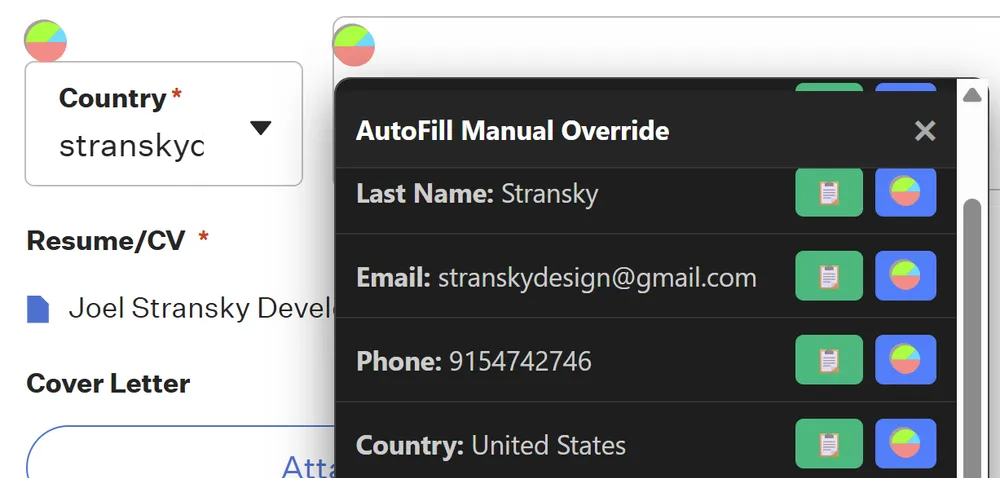
Filling out job applications is one of the most repetitive and tedious aspects of a job search. While modern web browsers come equipped with built-in autofill features, they frequently fail when faced with complex, dynamic, or non-standard form controls found on modern career portals. Standard autofill extensions struggle to populate customized React dropdowns, custom select menus, nested iframes, and multi-step validation flows.
To solve this problem, I built JobForm AutoFill, a lightweight Google Chrome extension designed to intelligently target and populate career forms on major application systems.
The Challenge of Modern Web Forms
Standard browser autofill relies heavily on native HTML input elements with standard attributes like autocomplete="name" or type="email". However, modern career sites built with React, Vue, or Angular often replace standard inputs with custom visual wrappers.
For instance, a standard dropdown <select> is frequently replaced by a styled <div> that triggers a popover list of options. Standard autofill engines do not recognize these custom elements, leaving job applicants to manually select the same choices (e.g., country, work authorization, source, gender, ethnicity) repeatedly.
Additionally, forms hosted inside secure subdomains are sometimes wrapped in <iframe> containers, preventing basic extension scripts from accessing the input nodes due to cross-origin sandboxing or simple DOM tree isolation.
The Solution: Intelligent DOM Interrogation
JobForm AutoFill works by injecting targeted content scripts that analyze the active tab’s Document Object Model (DOM). Instead of relying strictly on standard autocomplete tags, the extension employs custom selector rules designed to match the specific DOM patterns of popular job application platforms, including:
- Greenhouse
- Lever
- Workday
- Ashby
- BambooHR
- SmartRecruiters
- iCIMS
When the user triggers the autofill action, the extension:
- Retrieves stored profile data (name, resume links, contact details, work history) from secure local storage (
chrome.storage.local). - Interrogates the DOM for known inputs, textareas, dynamic select triggers, and iframe endpoints.
- Simulates user interaction events (like
change,input, andclickdispatch events) on custom component wrappers to ensure the page’s state-management system registers the populated values.
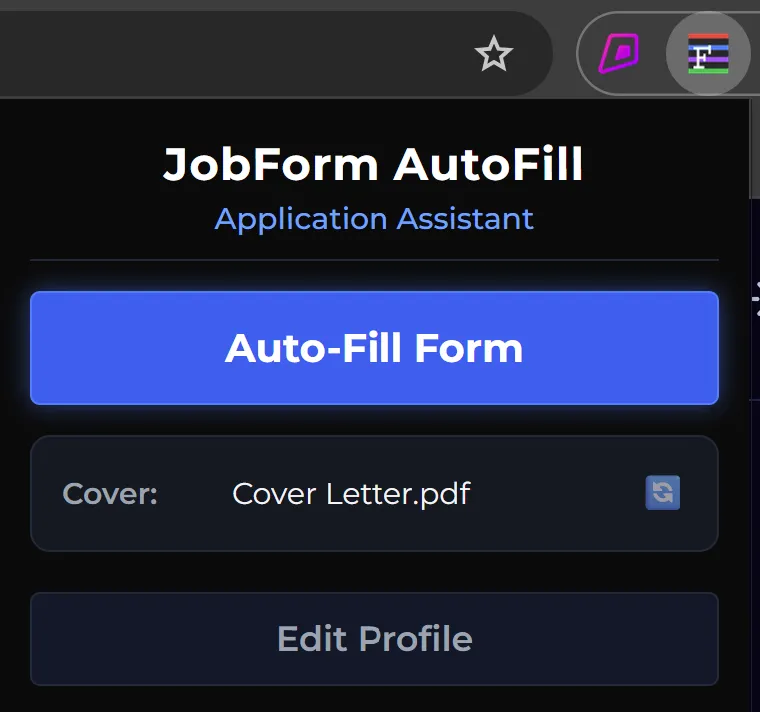
Figure 1: The JobForm AutoFill extension popup interface.
Leveraging AI-Assisted Development
A unique aspect of developing JobForm AutoFill was the extensive use of AI-assisted coding methodologies. Rather than writing every element-mapping class from scratch, I utilized generative AI models to help target dynamic CSS selectors and write robust script patterns.
This workflow allowed for:
- Rapid Selector Prototyping: Generating array structures for query selectors that match various platforms.
- Robust Event Dispatchers: Writing clean event dispatchers (e.g., dispatching
MouseEventorKeyboardEventtriggers) to trick dynamic forms into accepting automated data. - Refactoring Speed: Speeding up the development cycle to quickly publish updates as career platforms update their HTML markup structures.
Privacy First
When designing tools that handle personal job application data, privacy is paramount. Unlike many commercial options that sync profile data to external servers or track user behavior, JobForm AutoFill operates on a 100% client-side privacy model.
- Local Storage Only: All resume links, addresses, and answers are saved locally inside the user’s Chrome sandbox.
- No Third-Party Analytics: The extension executes zero network requests to external servers, ensuring data never leaves the local machine.
- Open Operations: Leverages permissions like
activeTabandscriptingstrictly on demand when the user clicks the autofill action, maintaining high sandboxed integrity.
Conclusion & Next Steps
JobForm AutoFill is an ongoing personal project designed to save time and reduce friction for job seekers. As career portals continue to change their frontend codebases, the extension is continually updated with new selector mappings and robust handling for dynamic React wrappers.
By combining targeted DOM traversal with AI-assisted scripting speed, JobForm AutoFill bridges the gap between default browser autofill capabilities and the complex frontend structures of modern web applications.